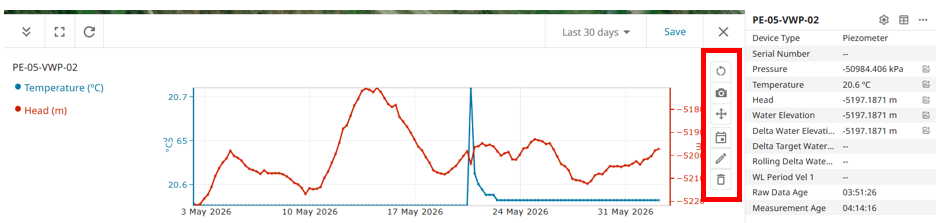
GEOExplorerIQ - Plotting Time Series chart
The Charts Section is used for quick data presentation, analysis, and export tasks.
The graphing component of charts has been designed to be flexible and supports all of the graphable Data Types available for all Systems and Sensor Types.
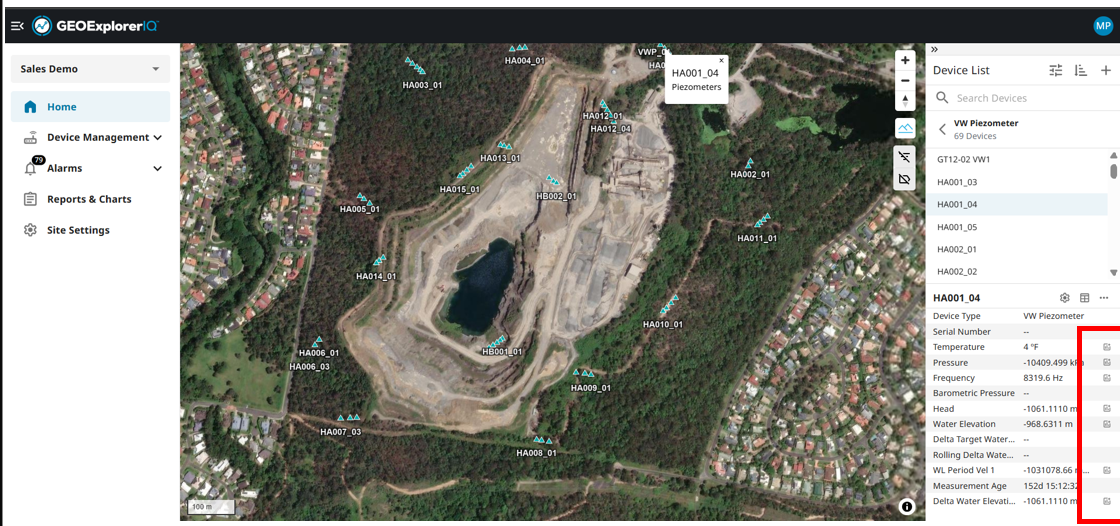
For charting any data type from any instrument, Choose a device from device list. go the device details on the bottom right section of the user interface.
For every data type, there is a chart icon on the right side. Clicking the icon, will open a time series with default time frame for the data visualization.
User can plot multiple data series of a same unit or maximum of 4 different data types (like Temperature, Pressure, Hz, etc) at one.
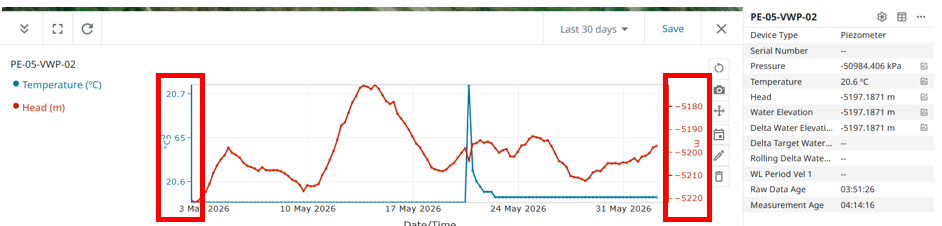
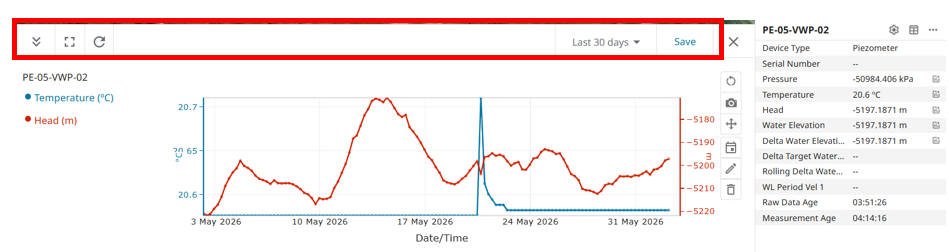
The chart is flexible for different date range and viewing area as highlighted below.
On the right side of the chart, there is more functionality pertaining to refresh, pan, downloading the chart, seeing events, adjusting the primary and secondary axis and delete.