Note: This guide is Not for "SSO enabled customers"
Step 1:
Admin will submit an invite to a new users with required access level.
Step 2:
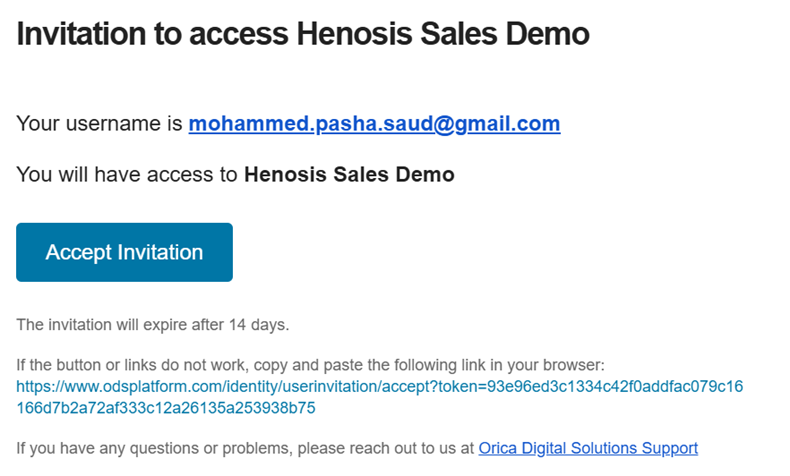
User will get an email with the invitation
Step 3:
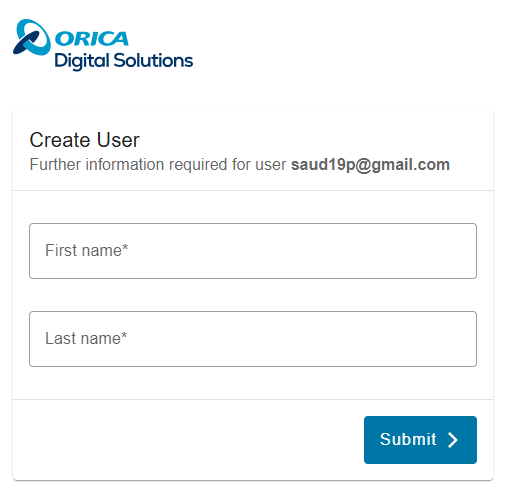
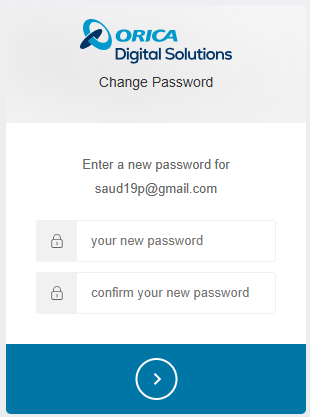
Once clicked on the "Accept invitation", you will be prompt to create the user profile with name and password.
Step 4:
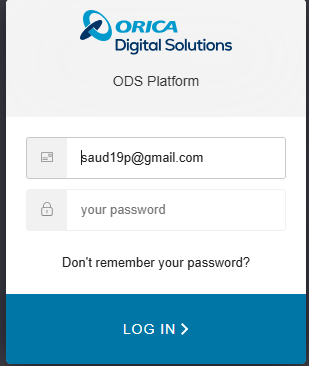
After the password is set, you will be directed to login. Use the email and the new password that was set in step 3.
Step 5:
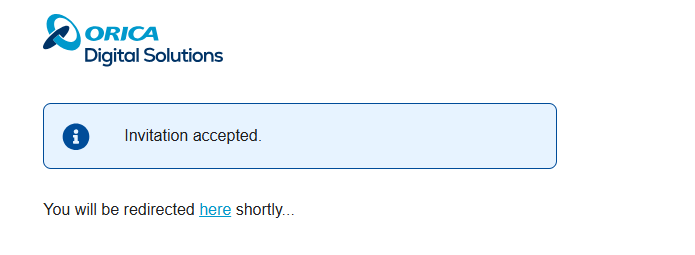
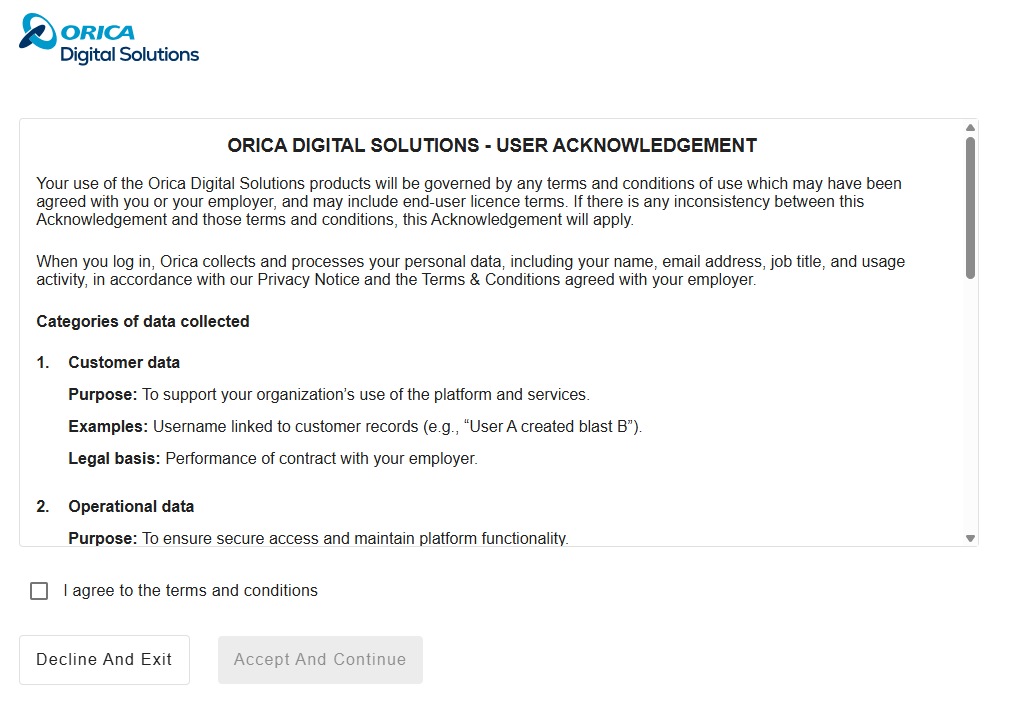
After login, you will be asked to for "User Acknowledgement" Ready thoroughly and checkbox on the terms and conditions with either Accept or Decline.
"
Full User acknowledgement
ORICA DIGITAL SOLUTIONS - USER ACKNOWLEDGEMENT
Your use of the Orica Digital Solutions products will be governed by any terms and conditions of use which may have been agreed with you or your employer, and may include end-user licence terms. If there is any inconsistency between this Acknowledgement and those terms and conditions, this Acknowledgement will apply.
When you log in, Orica collects and processes your personal data, including your name, email address, job title, and usage activity, in accordance with our Privacy Notice and the Terms & Conditions agreed with your employer.
Categories of data collected
- Customer data
Purpose: To support your organization’s use of the platform and services.
Examples: Username linked to customer records (e.g., “User A created blast B”).
Legal basis: Performance of contract with your employer. - Operational data
Purpose: To ensure secure access and maintain platform functionality.
Examples: Login records, IP address, browser fingerprint, access logs.
Legal basis: Legitimate interests (security, fraud prevention); Legal obligation (compliance). - Usage data
Purpose: To improve platform features, diagnose issues, and enhance user experience.
Examples: Username, browser/OS, city/state/country, feature usage patterns.
Legal basis: Legitimate interests (product improvement, service optimization).
Your rights
Under applicable privacy laws, you have the right to:
- Access your personal data;
- Correct inaccurate or incomplete data;
- Request deletion of your data;
- Object to processing based on legitimate interests;
- Request restriction of processing;
- Receive your data in a structured, machine-readable format (data portability).
To exercise your rights or for any questions, contact: [email protected]
Additional Information
- Data is retained only as long as necessary for the stated purposes or to meet legal obligations.
- Data may be shared with trusted service providers under appropriate safeguards.
- For full details, please review our Privacy Notice.
Accept and continue
By continuing, you confirm that you have read and understood this information."
Step 6:
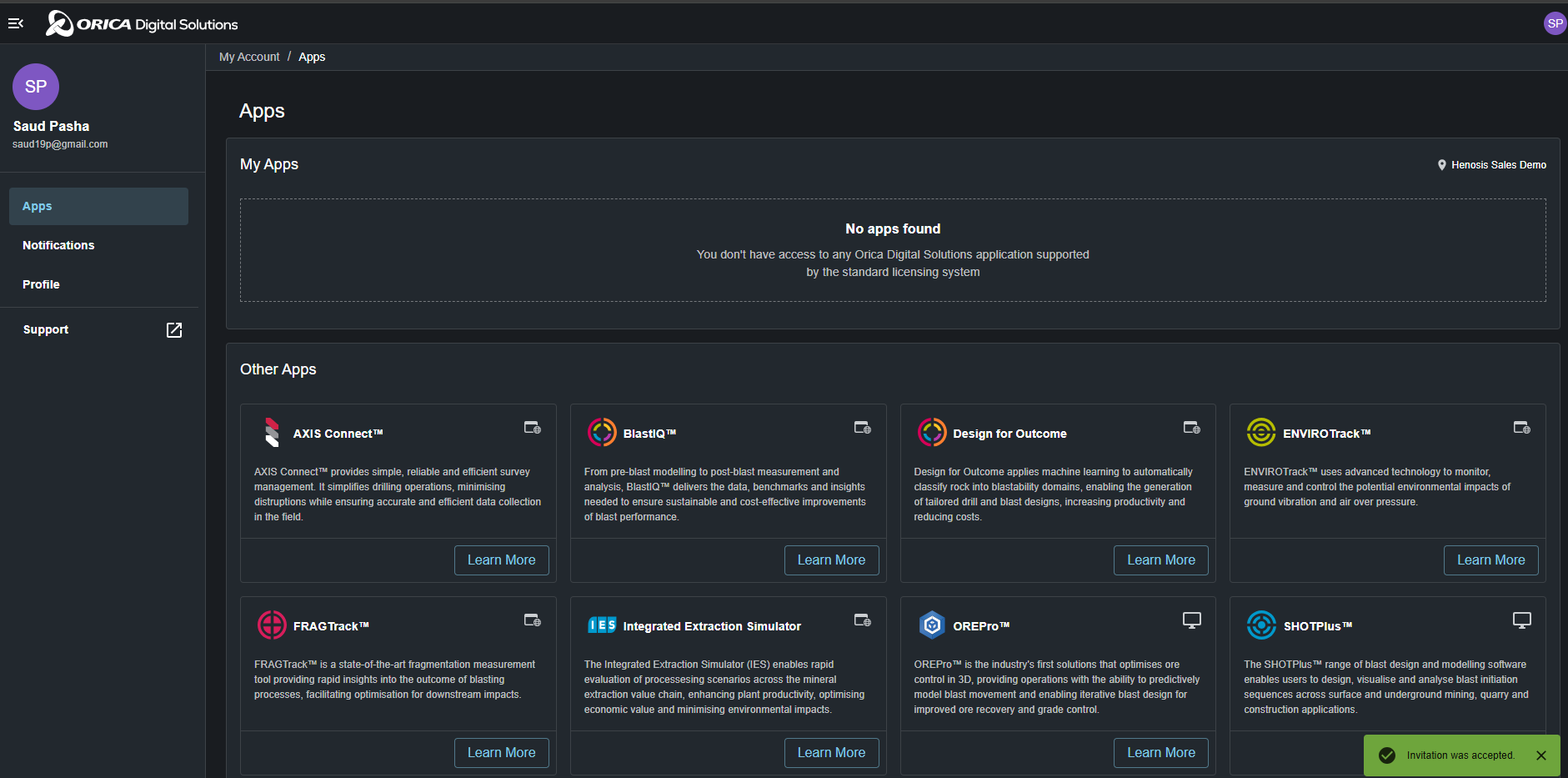
If you select "Accept and Continue" you will be directed to Orica Digital Solution Platform(ODS) where you can access different digital solutions in ODS.
Step 7:
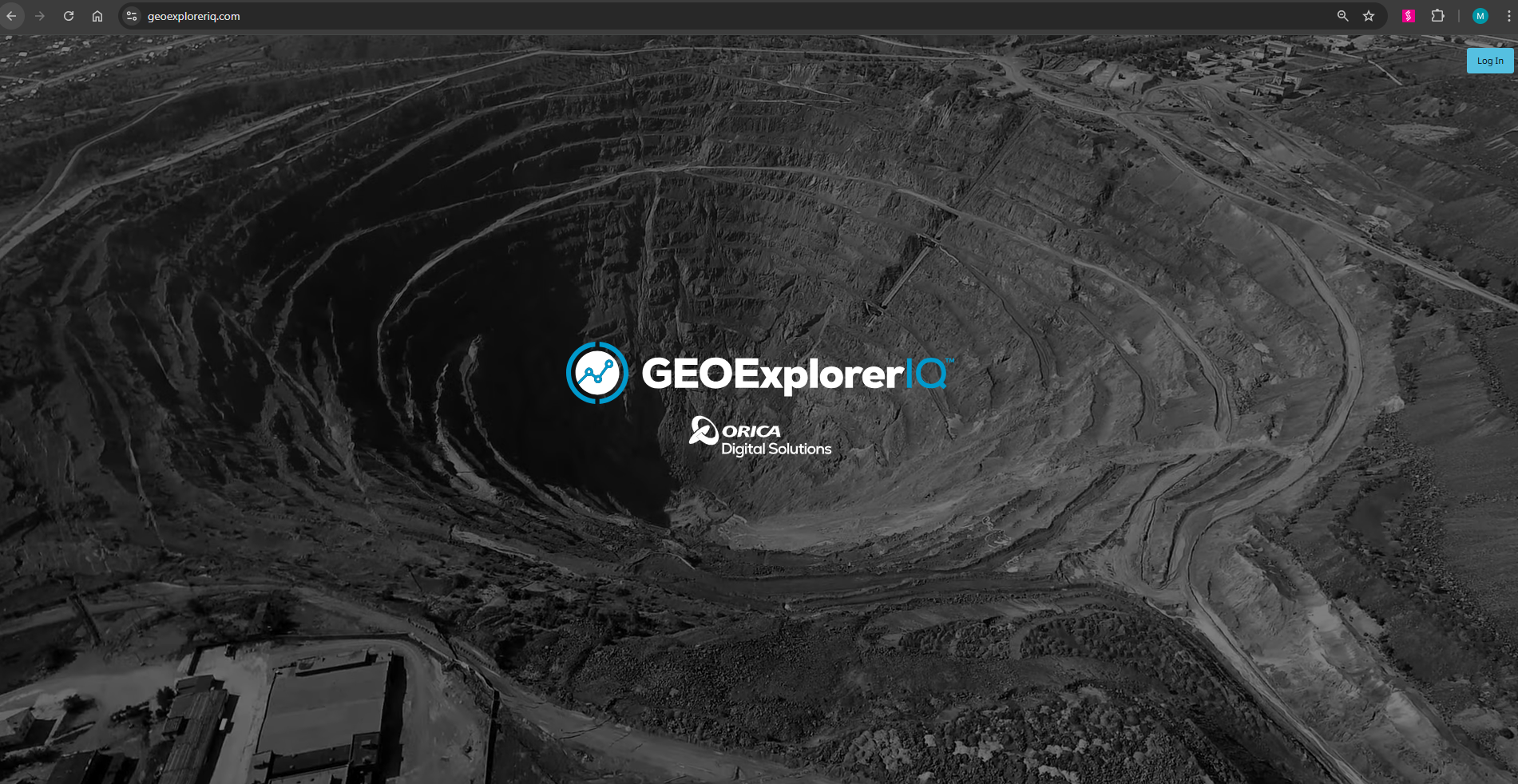
Choose the app "GeoExplorerIQ" in the ODS platform. Alternatively, if you cannot find the app in the dashboard, go to geoexploreriq.com
You will see the login page. Use the credentials that you created in step 3.
Step 8:
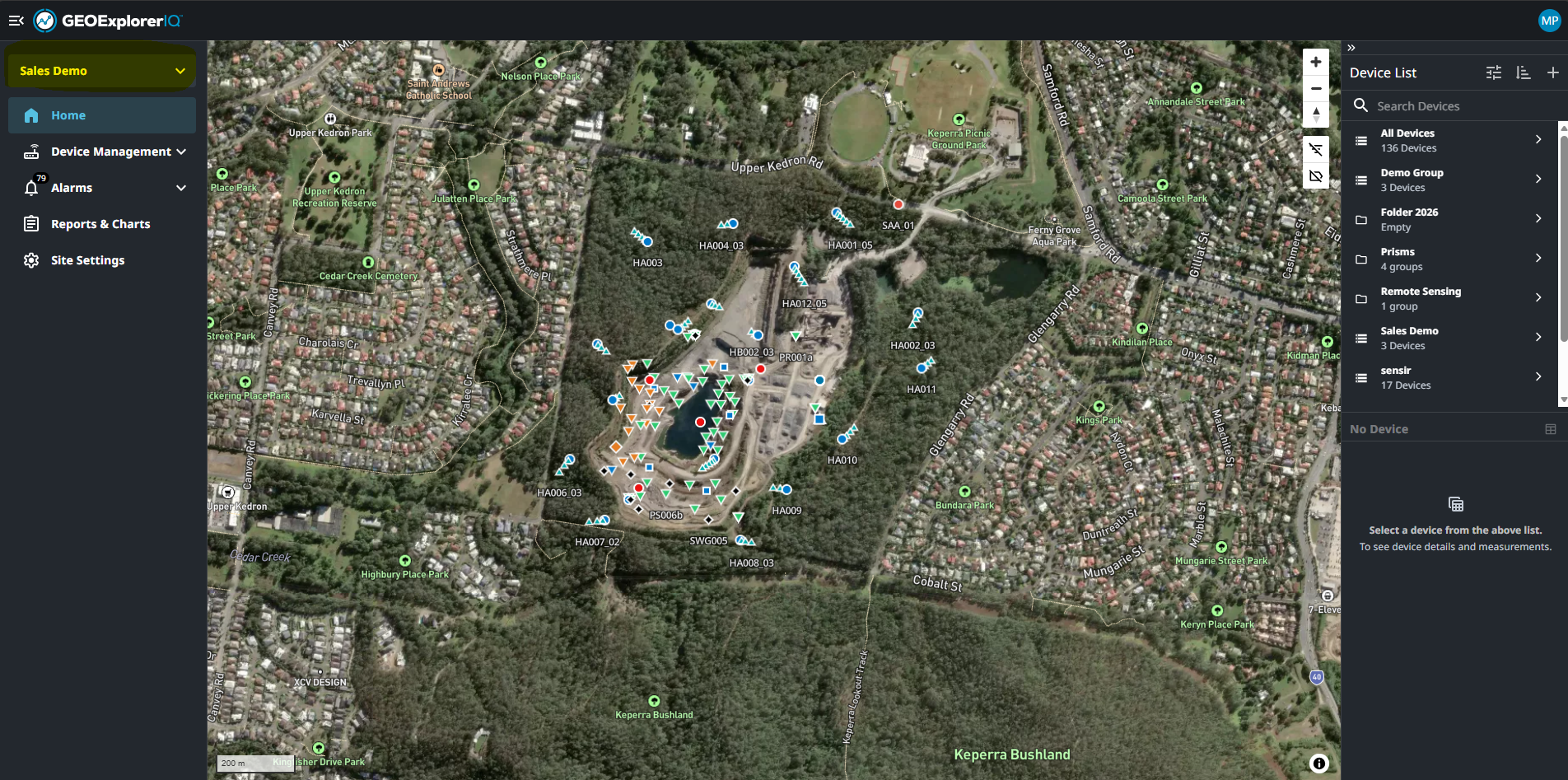
Choose the project in the top left drop down selections for Map and device list to load.